Bet, Play, and Cash Out on the Paripesa PWA

Paripesa mobile app is being developed. There is no APK or native iOS app yet. You can install the Paripesa PWA to your home screen and use the full mobile site.

Tap Download to get the PWA and start fast betting on your phone. New players get a 100% first deposit bonus, terms apply.

Start in minutes. Install, register, deposit, and place your first bet.

Smartphone displaying Paripesa PWA download screen with add to home screen and 100% first deposit bonus.

Paripesa App Overview for Zambia Players

You get a fast mobile betting and casino experience through the PWA. No large downloads. Install to Home Screen and use all features in ZMW.

All key functions are live: sports, casino, deposits, withdrawals, and support.

Use the PWA to avoid manual updates and keep your betting fast and light.

App type PWA (Add to Home Screen)
Install size Under 1 MB on device
Last update 11 Nov 2025
Welcome bonus 100% first deposit bonus (sports or casino), T&Cs apply
Supported languages English
Local currency Zambian Kwacha (ZMW)
Live betting Yes
Cash Out Yes, on selected markets
Payment methods Jeton, MTN, Perfect Money, Skrill, Neteller, Vodafone, Visa, Mastercard, Crypto, Monero
Promo code field Yes
Min deposit From ZMW 20 (by method)
Min withdrawal From ZMW 50 (by method)
Age requirement 18+
Licence Operates under an international gaming licence

Welcome bonus

100% first deposit bonus (sports or casino)

Paripesa App Interface and Navigation

The interface is clean and built for one‑hand use. Tabs guide you to Sports, Live, Casino, and Bonuses fast.

You can switch odds format, filter markets, and reach cashout in a few taps.

Paripesa app screen with one‑hand UI, tabs for Sports, Live, Casino, Bonuses, odds format switch, filters, and cashout.

Android PWA: Quick Install Guide

You can install the Paripesa PWA on Android in under a minute. No APK file is needed.

Step 1

Click the Download for Android Button

Open the official site and tap Download for Android. Your browser prompt will show Add to Home Screen.

Confirm to place the Paripesa icon on your phone.
Step 2

Register an Account

Tap Sign Up on the home screen. Enter phone or email, set a password, choose ZMW, and confirm age 18+.

Complete the form to finish registration.

Step 3

Use the Web Version of the Website

Launch the Paripesa icon from your home screen. You get the full mobile site inside a light app shell.

All updates load automatically each time you open it.

Android Requirements for Smooth Use

Below are the minimum specs to run the Paripesa PWA on Android.

Requirement Minimum
Android OS 7.0 Nougat or higher
CPU 1.3 GHz or faster
Memory (RAM) 1 GB or more

Meeting or exceeding these specs gives you faster loading and stable play.

Android Phones That Work Well

  • Samsung Galaxy S10
  • Samsung Galaxy A32
  • Samsung Galaxy S9
  • Huawei P30
  • Xiaomi Redmi Note 10
  • Xiaomi Redmi Note 8 Pro
  • Infinix Hot 12
  • Tecno Spark 10
  • Nokia G20
  • OnePlus Nord N10

Any modern Android device at or above these models will handle the PWA well.

Android phones that run the PWA well: Galaxy S10, A32, S9; Huawei P30; Redmi Note 10, 8 Pro; Nokia G20; Nord N10 or newer.

iPhone PWA: Quick Install Guide

The Paripesa PWA installs on iPhone and iPad in a few taps. You use Safari to add it to your Home Screen.

Step 1

Click the Download for iOS Button

Open the official site in Safari and tap Download for iOS. The site will load the install prompt.

Proceed to the next steps in Safari.

Step 2

Register an Account

Tap Sign Up. Enter your details, set a password, choose ZMW, and confirm you are 18+.

Your account is ready once you submit the form.

Step 3

Tap Share Button

On Safari, tap the Share icon at the bottom of the screen. Look for Add to Home Screen in the options.

You can edit the icon name if you like.

Step 4

Tap Add to Home Screen

Tap Add to place the Paripesa icon on your iPhone. Launch it from your home screen any time.

The PWA loads the latest features each time you open it.

iOS Requirements for Best Performance

These are the minimum specs for iPhone and iPad use.

Requirement Minimum
iOS version iOS 12 or higher
Processor Dual‑core 1.4 GHz equivalent or newer
Memory (RAM) 1 GB or more

Devices above these specs deliver faster betting and better streaming of live data.

iPhones and iPads Supported

  • iPhone 8
  • iPhone X
  • iPhone XR
  • iPhone 11
  • iPhone 12
  • iPhone 13
  • iPhone 14
  • iPhone 15
  • iPad 7th Gen
  • iPad Air 3rd Gen

Any newer Apple device will also support the PWA.

Supported iPhones and iPads: iPhone 8–15 incl. X, XR; iPad 7th Gen, iPad Air 3rd Gen. Newer devices also support the PWA.

Welcome Offers After You Install

Choose your 100% first deposit bonus during sign up. Read the bonus page for exact rules in Zambia.

  • Sports bonus: 100% on first deposit for pre-match and live bets, rollover applies.
  • Casino bonus: 100% on first deposit for slots and table games, wagering applies.
  • Free spins: Available on selected slots during promos like Book of Dead or Sweet Bonanza, terms apply.

Pick the bonus that suits your play style and meet the requirements to cash out.

Welcome offers: 100% first deposit bonus for sports or casino, with free spins; terms and wagering apply in Zambia.

Sports You Can Bet On

Place pre-match and live bets in seconds. Markets refresh fast so you can react to the game.

  • Football
  • Basketball
  • Tennis
  • Cricket
  • Rugby
  • Boxing
  • MMA
  • Table Tennis
  • eSports
  • Volleyball

Focus on the sports you know and control your stake size.

Sports You Can Bet On graphic: prematch & live betting; fast markets; Football, Basketball, Tennis, Cricket, eSports, MMA.

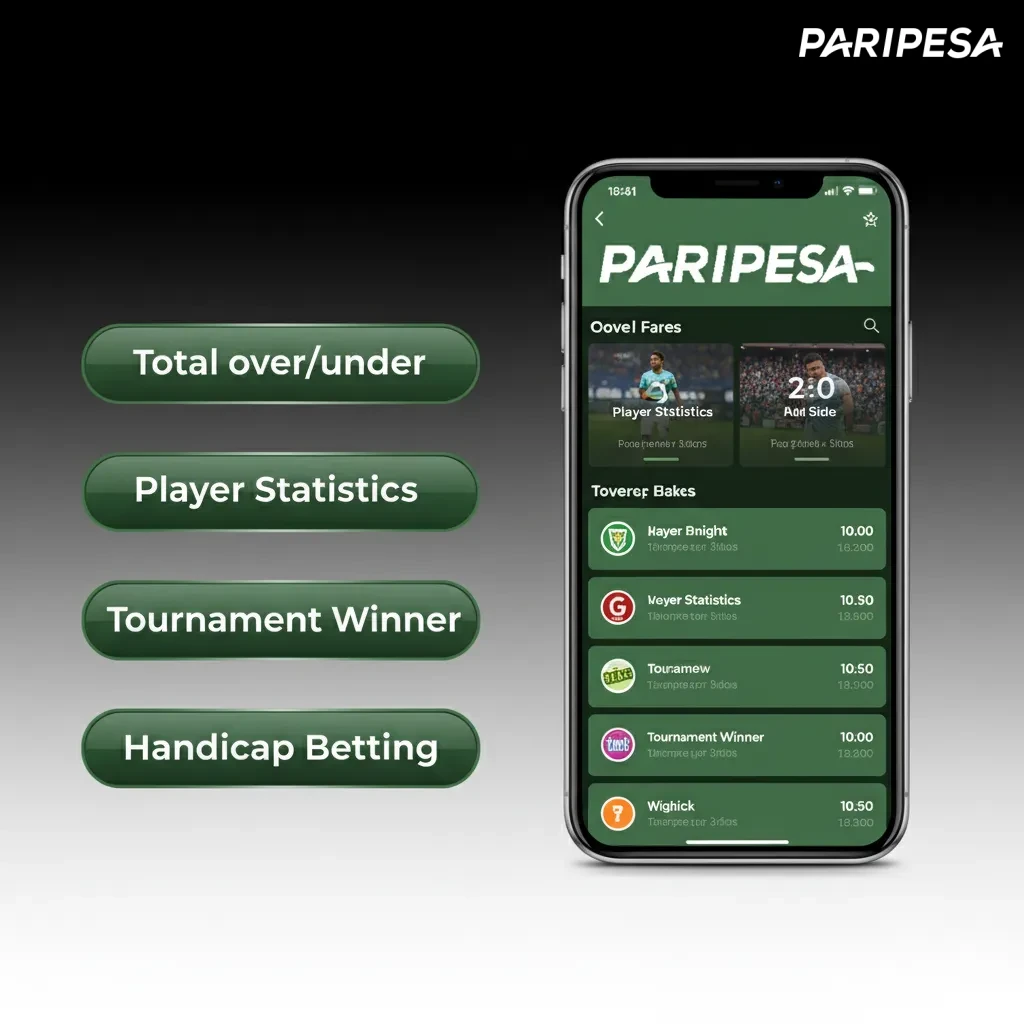
Bet Types in the Paripesa App

  • Single: One selection, you win if it wins.
  • Accumulator: Two or more picks, all must win for a higher total payout.
  • System: A group of combos where some picks can lose and you still get a return.
  • Handicap: The book sets a margin to balance teams; you bet on the adjusted result.
  • Over/Under: Bet on totals like goals or points being higher or lower than the line.

Pick the bet type that matches your risk level and knowledge.

Paripesa app screen listing bet types: Single, Accumulator, System, Handicap, Over/Under, with brief descriptions.

Start Betting on Mobile in Minutes

Follow these steps after installing the PWA.

Step 1

Log in and complete account details if prompted.

Step 2

Open Cashier and make a deposit in ZMW.

Step 3

Pick a match, tap the odds, and review the bet slip.

Step 4

Enter stake and confirm the bet.

Step 5

Track the bet in My Bets and use Cash Out when available.

Casino Games You Can Play

Enjoy top providers and fair odds on mobile. Load times are short and controls are easy.

  • Slots like Book of Dead and Sweet Bonanza
  • Live Roulette
  • Live Blackjack
  • Baccarat
  • Crash games including Aviator
  • Megaways slots
  • Video Poker
  • Plinko

Pick a game you know and set a budget before you play.

Mobile casino games menu with icons: slots, live roulette, blackjack, baccarat, crash, Megaways, video poker, Plinko

Create Your Account on Mobile

Sign up takes under two minutes on the PWA.

Step 1

Open the official site and tap Sign Up.

Step 2

Choose phone or email sign up and enter your details.

Step 3

Set currency to ZMW and a strong password.

Step 4

Confirm age 18+, accept terms, and submit.

Step 5

Verify your contact if requested to secure the account.

Log In to Your Account

You can log in anytime from the home screen icon.

Keep your login details private to protect your balance.

Step 1

Tap Log In.

Step 2

Enter phone or email and your password.

Step 3

Complete 2FA if you enabled it.

Step 4

Tap Continue to access your account.

Updates Are Automatic on the PWA

You do not need to download updates. The Paripesa PWA runs the latest version each time you open it.

New features, markets, and fixes load in the background. You always get the most recent odds and tools.

This saves data and time on every visit.

Paripesa PWA auto-updates: latest odds and tools load in the background, no downloads, saving data and time.

Payments for Zambia: Fast Deposits and Cash Outs

Deposit from ZMW 20 and withdraw from ZMW 50. Limits and times depend on the method and account status.

  • Jeton
  • MTN Mobile Money
  • Perfect Money
  • Skrill
  • Neteller
  • Vodafone
  • Visa
  • Mastercard
  • Crypto
  • Monero

Choose the method you use daily to move money faster and avoid delays.

Fast Zambia payments: deposit from ZMW 20, cash out from ZMW 50 via Visa, Mastercard, MTN Mobile Money, Skrill, Crypto.

Make a Deposit on Mobile

Top up your balance in a few taps.

Your funds arrive quickly so you can place your bet.

Step 1

Log in and tap Cashier or Deposit.

Step 2

Select your payment method and enter the amount in ZMW.

Step 3

Confirm the wallet or card details and submit.

Step 4

Wait for the success message and return to the lobby.

Withdraw Your Winnings on Mobile

Cash out to methods in your name only. Verification may be requested for security.

Using the same method as your deposit can speed up processing.

Step 1

Go to Cashier and tap Withdraw.

Step 2

Choose a method, enter the amount, and submit your request.

Step 3

Complete KYC if asked by uploading valid documents.

Step 4

Track status in Transaction History until paid.

Why Players in Zambia Choose Paripesa Mobile

You get fast betting, local currency, and trusted payments in one place. The PWA keeps data use low and performance high.

  • ZMW account support for easy budgeting
  • Popular local and international payment options
  • 100% first deposit bonus for sports or casino, T&Cs apply
  • Wide sports coverage and deep markets
  • Live betting and Cash Out on selected events
  • Large casino library from providers like Pragmatic Play
  • 24/7 customer support
  • Responsible gaming tools, self‑limits, and account controls

These features help you start, play, and cash out with confidence.

Paripesa Mobile Zambia features: ZMW accounts, fast betting, local payments, live betting, cash out, 24/7 support

Contact Paripesa Support

Need help? Use any of these channels.

  • Live chat: available 24/7 in the app
  • Email: support available via the Help Centre contact form
  • Help Centre: FAQs and guides inside the site

Support is always a tap away when you need answers.

Contact Paripesa Support: 24/7 live chat in app, email via Help Centre form, FAQs and guides—help is always a tap away.

FAQ

Useful answers save time and help you focus on your bets.

Is Paripesa legal in Zambia?

Paripesa operates under an international gaming licence and accepts players from Zambia. Online betting must follow local laws and you must be 18+. You are responsible for ensuring it is lawful for you to use the service in your area.

How do I recover my password?

Tap Forgot Password on the login page. Enter your email or phone to receive reset instructions. Set a new password and log in again.

Can I open more than one account?

No. Only one account per person is allowed. Multiple accounts can lead to closure and loss of bonuses.

How long do withdrawals take?

Many requests are processed same day after approval. Times vary by method and verification status.

How do I change odds format?

Go to Settings or the header menu and choose Decimal, Fractional, or American odds. Your selection updates the whole site.

Updated: